Your stream just got a monster sidekick.
Stream Monster puts an animated 3D buddy on your stream. It reacts to your Warzone kills, clutches and deaths, talks back to chat, and runs locally on your PC.
Version 0.7.0.1 · Windows x64 installer · formerly AICombatBuddy
Built for streamers
Everything below comes from the current release.
OBS overlay
Add one browser-source URL. A three.js 3D buddy walks around while idle and works offline.
Kill & death reactions
Optional screen reading picks up Warzone kills, deaths and clutches, and your buddy reacts out loud.
Voice callouts
Each character has its own voice, pitch, speed and volume. Preview it before you go live.
Live chat
Reads Twitch, Kick and YouTube Live chat (YouTube in beta), and chat can trigger buddy reactions.
Character Lab
13 presets with live appearance editing, attitude and voice settings. Changes save automatically.
Local AI brain & memory
Use your Ollama models or download the managed runtime. Nicknames and session highlights stay on your PC.
Meet the buddies
3D buddies that live on your overlay. Pick one in Character Lab.
- Sass99
- Hype92
- Clutch81
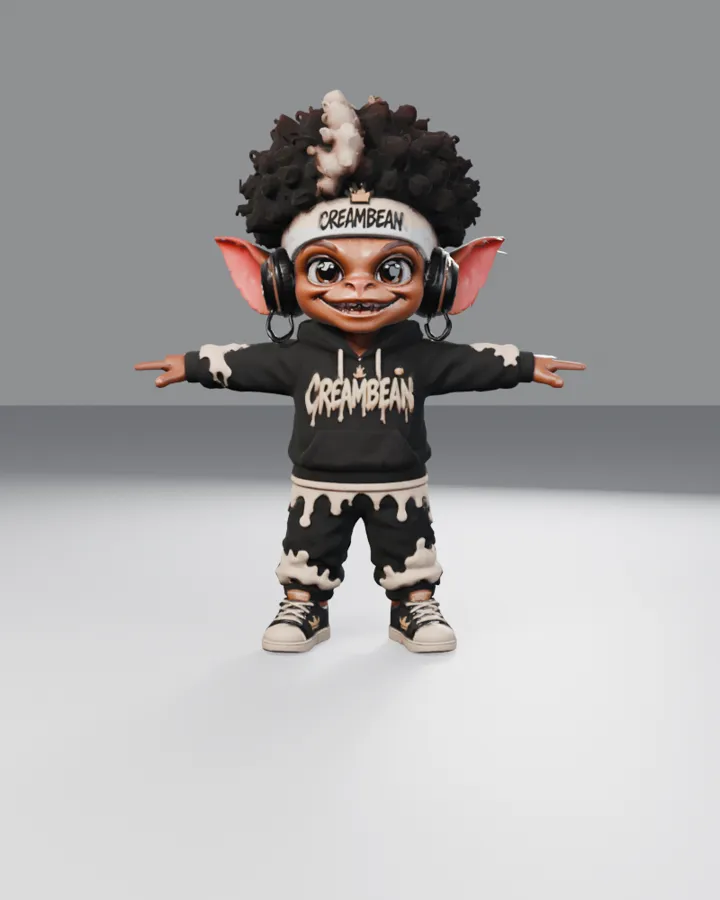
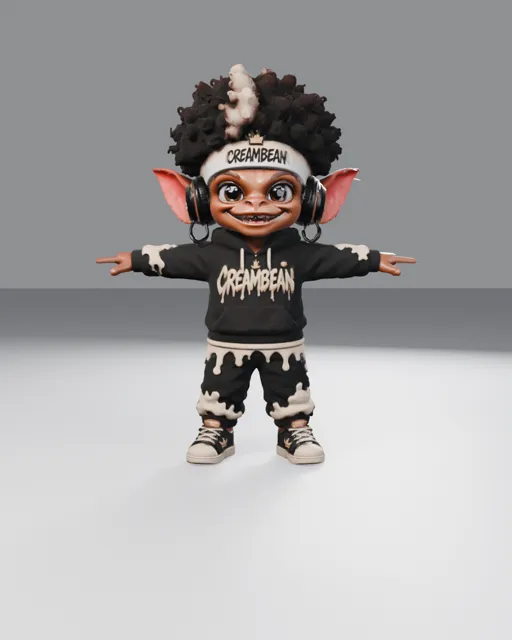
Headphones on, hair up, attitude maxed. CreamBean rolled out of the render oven at cord version v3 and has been roasting bad rotations ever since. He swears the headphones are for focus, but mostly they keep the compliments in. Feed him a clutch win and he will hype your whole lobby.
- Sass??
- Hype??
- Clutch??
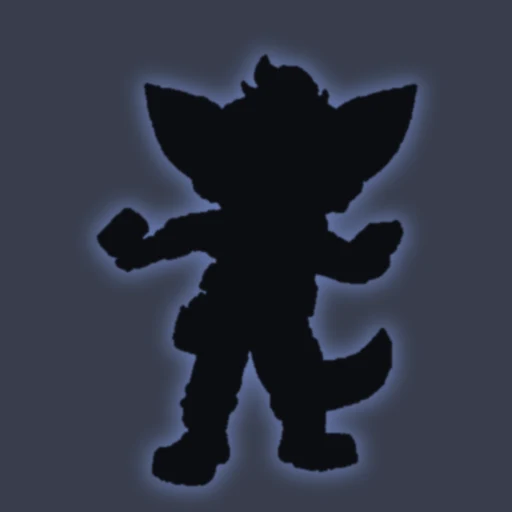
Something stirs in the coop before dawn. Word is the mascot is sharpening a crow loud enough to wake an entire squad. Full reveal coming soon.
- Sass??
- Hype??
- Clutch??
A faint signal from somewhere past the drop zone. Mission control says the visor is polished and the jetpack is nearly fueled. Launch window to be announced.

- Sass??
- Hype??
- Clutch??
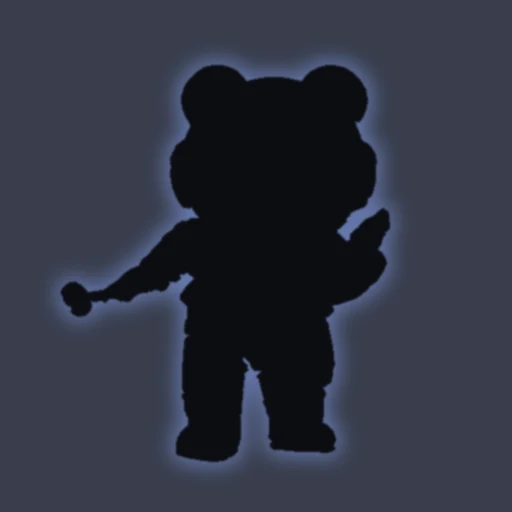
He never goes anywhere without his trusty walker, and rumor has it he can kickflip it. Get off his lawn and keep your eyes peeled for the trick reel. Coming soon.
Live in three steps
No Git and no Python. Everything is bundled in the installer.
Install
Run the Windows setup and launch Stream Monster from the Start menu.
Pick your monster
Choose a look, a voice and an attitude in Character Lab, then test it with chat.
Add to OBS
Copy the overlay URL into a browser source, set movement to Full, Gentle or Off, and go live.
Get Stream Monster
The latest Windows installer. The app updates itself from inside.
⬇ Download v0.7.0.1SHA-256: 06c9a9e4568583db802642665975b9a91de6e08526e3260964fd830613e6d002
Feedback & feature requests
Vote on what we build next. Top-voted requests come first.